

Webflow to Framer migration
Webflow to Framer migration.
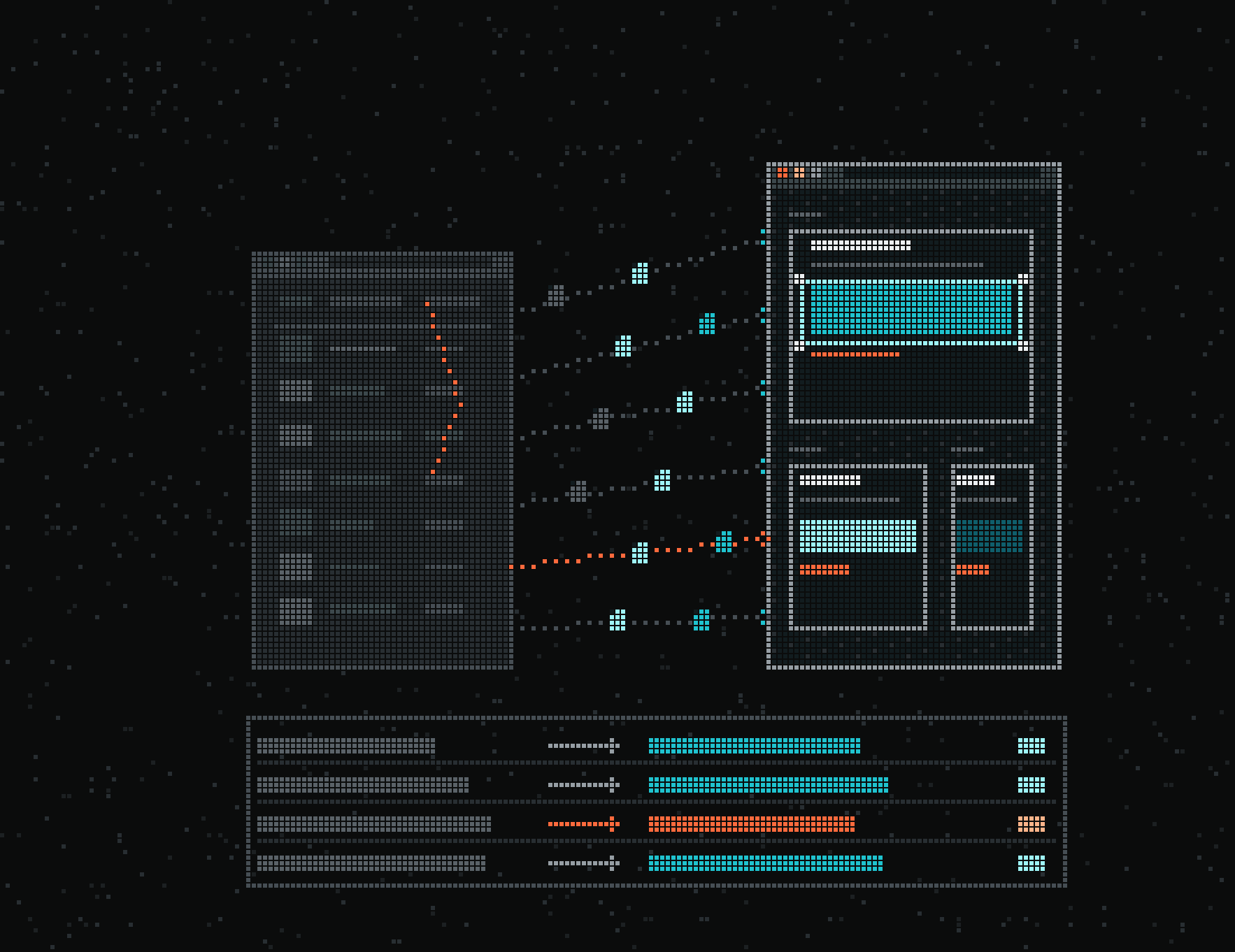
We check whether your Webflow content and features fit Framer, then rebuild the site and import the CMS one collection at a time.
Clients
 — Kids sport — 2,000 kids a week — Franchise · HK & Singapore — Multi-sport classes for kids in Hong Kong and Singapore.
 — Robotics · AI — $13.5M Series A — 1M+ inspections — Clients: Shell, BP, BASF — Autonomous robot inspections for industrial sites.
 — AI · Fintech — $480M+ consumer debt resolved — Y Combinator S24 — AI voice agents for debt collection.
 — Diagnostics — ~400 people across the UK & Switzerland — Ex-Nasdaq — Multiplex diagnostics for autoimmune and allergy testing.
 — Fintech — €11M+ investor capital — Quant crypto trading for everyday investors.
 — DeFi · Credit — $8.35M raised — Andrew Keys, Iceberg Capital — Real-world credit, onchain.
 — Healthcare AI — €1.75M raised — Backed by Hugging Face & DEGIRO founders — AI that turns consultations into clinical notes.
 — Health AI — 80,000+ patient portals connected — MyChart & Epic — An AI health companion that keeps care on track between visits.

 — Crypto infra — Green mining · UAE — Bitcoin mining and AI compute infrastructure.
 — Web3 security — $90M Series A — Led by Summit Partners — Security for the world's digital assets.

 — DeFi — ~$200M daily trading volume — GMX on Solana · 90+ markets — Onchain perpetuals, now on Solana.
 — Crypto PR — Official PR partner of Dune — Earned media for crypto brands.
 Credifi — DeFi · Credit — $0 fees on any loan — Funded onchain — Instant personal loans, paid to a crypto wallet.
 — Web3 marketing — 900+ crypto brands served — Clients: MetaMask, OKX — The marketing agency crypto brands use.
Websites we've designed and built.
View all projectsFintech Brand Identity & Website Design
Brand identity, a Visa card family and the website for SubLync, a global money app, plus work on its business sibling Subbal.
Read the case study: SubLyncCrypto Fixed-Yield Platform, Branding & Website Design
Fixed-income investing on crypto-backed assets, branded to feel as calm as a savings account: identity and website design.
Read the case study: Yieldfund


( Should you move )
When Webflow to Framer is worth it.
Move if designers run your marketing site, want to edit it together and ship motion without a developer, and your CMS fits Framer's limits. Stay on Webflow if you depend on Ecommerce, user accounts, a large relational CMS or hundreds of legacy redirects. We build in both and recommend one after a call, based on your content plans. Still choosing between them? Read Framer vs Webflow.
Worth it when
- Several designers edit the site and want to work in the same file at the same time.
- Your CMS fits Framer Pro: 2,500 items and 10 collections on the base plan, more with paid add-ons.
- Your collections sit at flat paths like /blog/post-name, so the same URLs can serve from Framer with no redirects.
- The site uses no Webflow Ecommerce, user accounts or Logic flows that would need a replacement.
Probably not when
- Your CMS is relational: multi-reference fields and nested lists that Framer's CMS handles less well, or a size that would mean paying for Framer's item add-ons.
- You sell through Webflow Ecommerce or gate content behind user accounts.
- You carry hundreds of legacy redirects. Framer's help pages don't agree on redirect limits, so we check yours against your plan before we start.
- The real problem is a messy Webflow build with class sprawl and no components. A clean rebuild inside Webflow fixes that without a platform change.
What we move, and how.
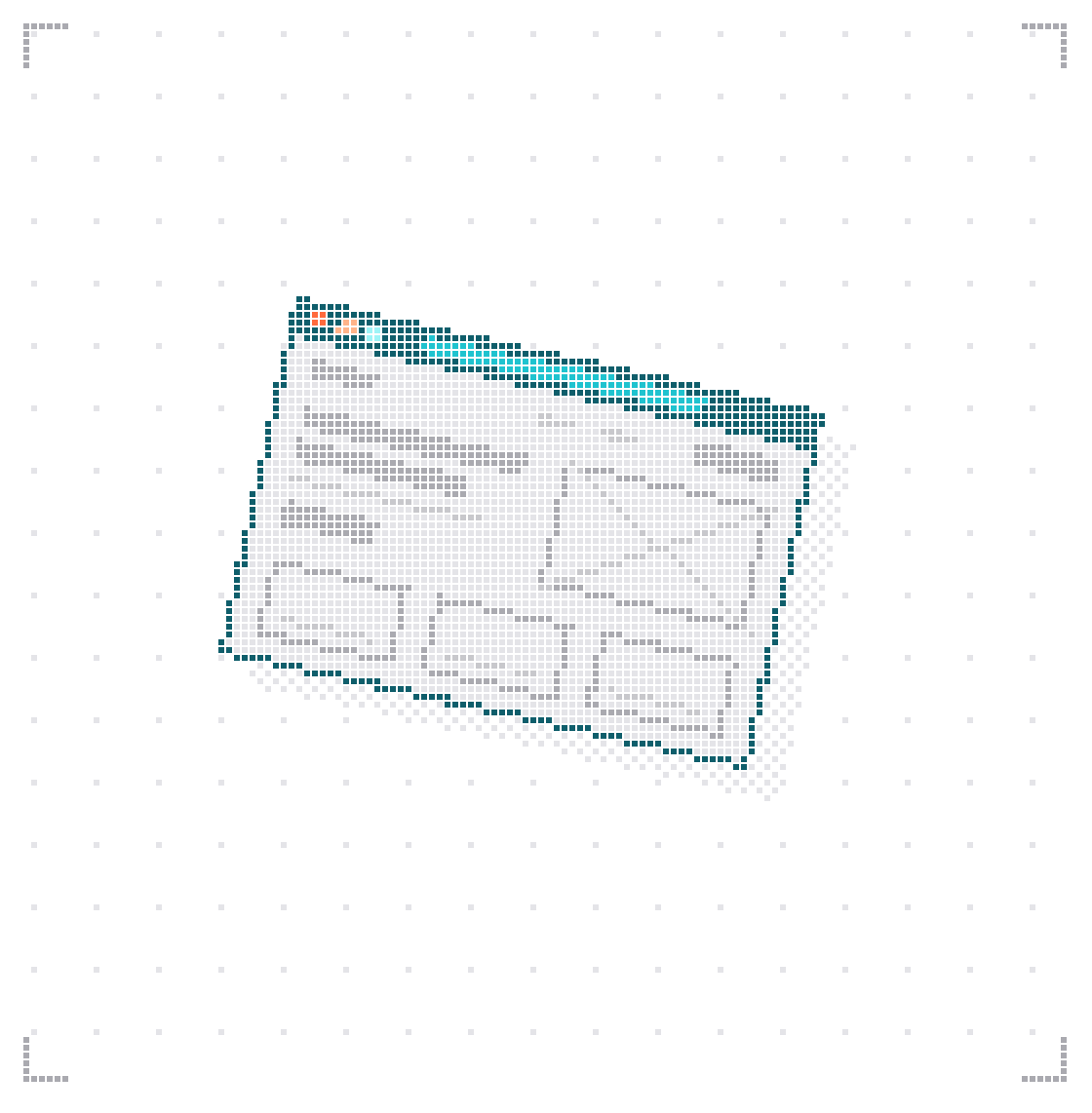
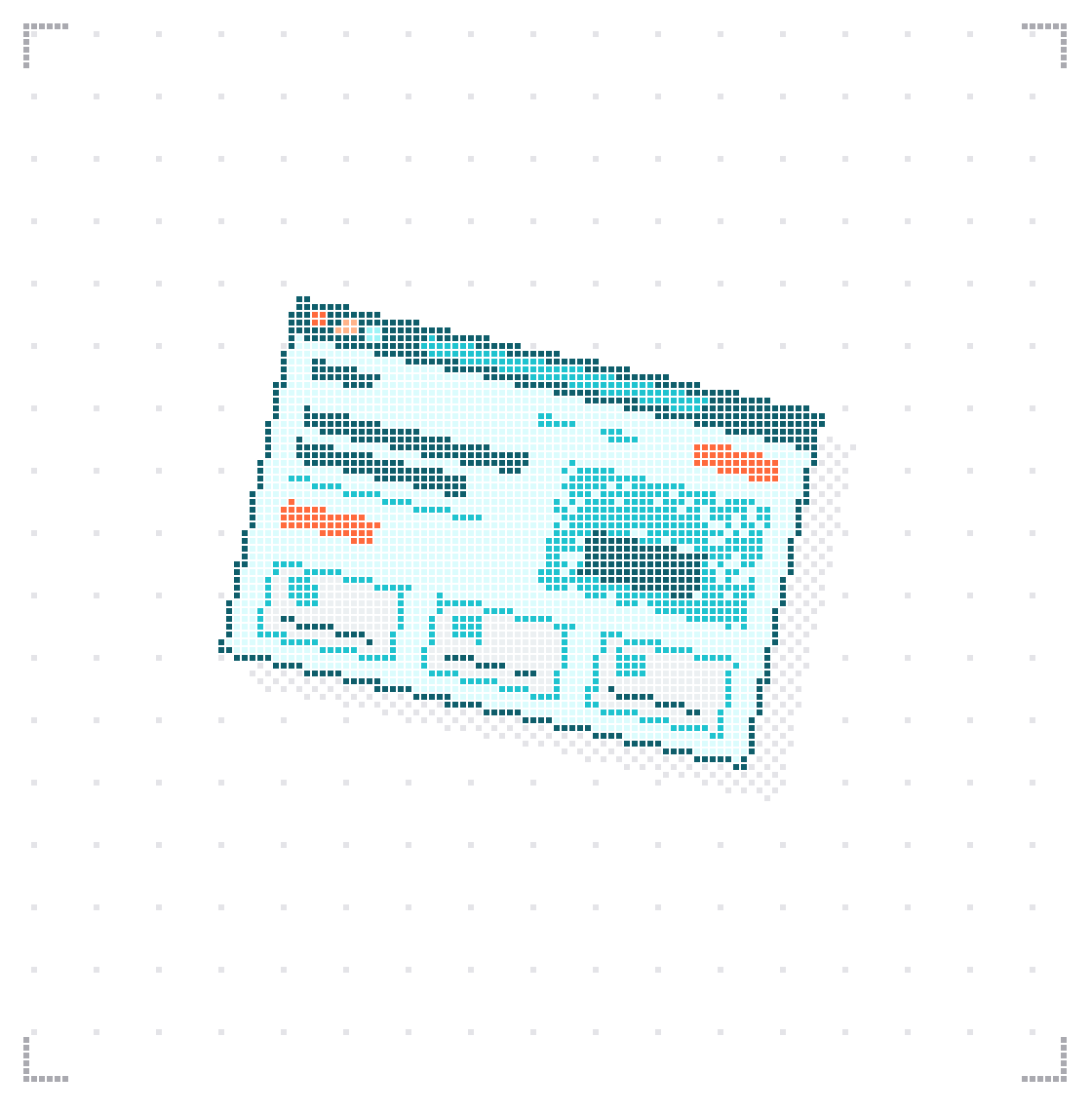
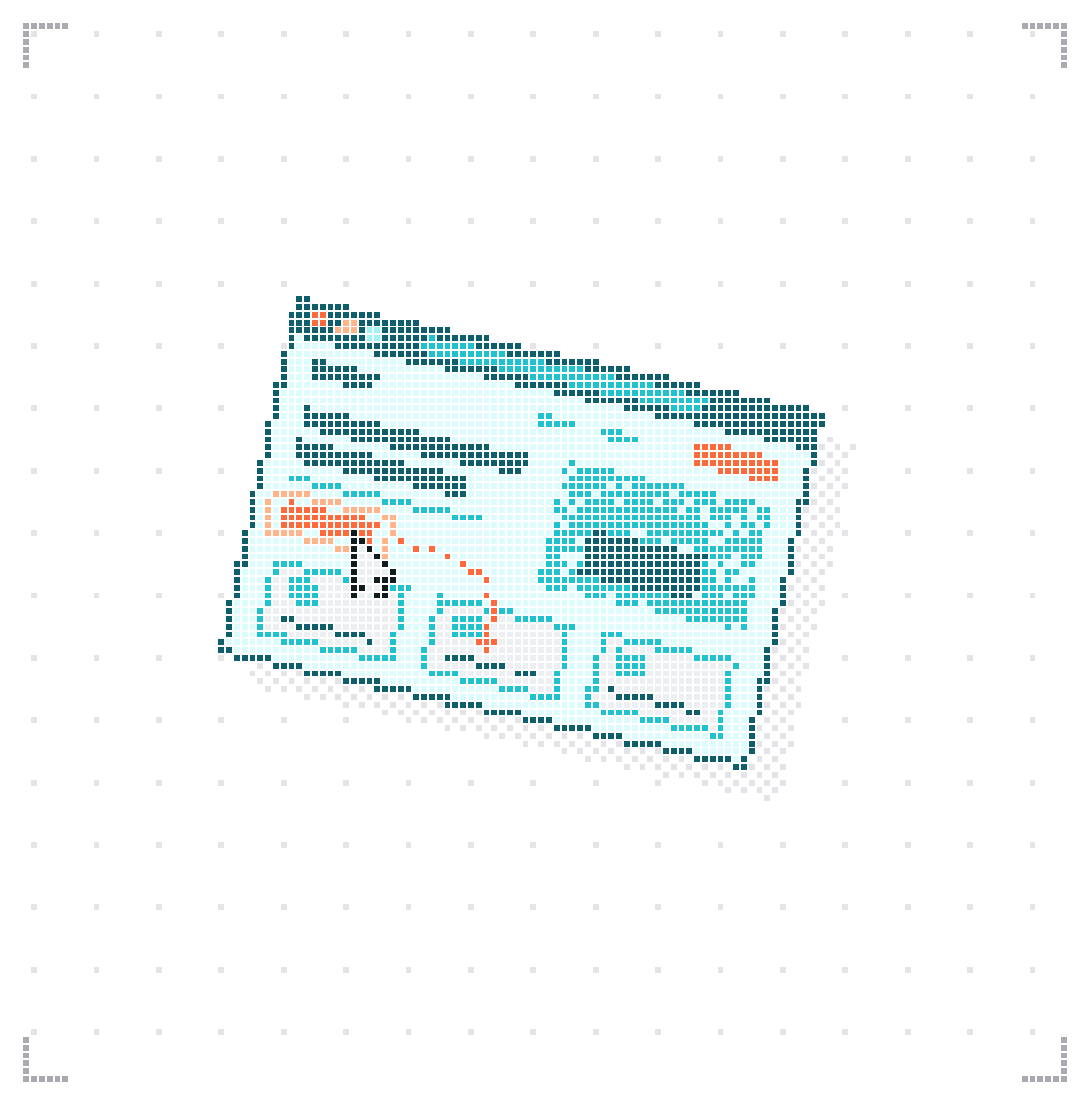
Everything a visitor or Google can see on your Webflow site has a place on Framer. Pick what your site has and send it to us before the call.
What your site has
( Limits )
What doesn't carry over from Webflow.
Better to know before the move than after. These are the gaps between the two platforms. We also move WordPress and Squarespace sites to Framer.
Gap 01
Webflow Ecommerce and User Accounts have no Framer counterpart.
Commerce on Framer runs through third-party Shopify plugins.
Gap 02
Native RSS for Collections stays behind; Framer has no built-in feed.
Gap 03
Webflow site search and Logic flows have no native Framer version, and Framer's form docs don't mention file uploads.
Gap 04
A folder before a collection, such as /resources/blog/post-name, may not be reproducible in Framer.
We test it on staging before mapping URLs.
Gap 05
Webflow's code export leaves out CMS content, forms and localized pages.
Use it only as a reference for markup and assets.
( Keeping traffic )
How rankings survive the move.
Traffic drops after a migration when old URLs break. We map every URL before launch and check indexing after it.
Crawl and record a baseline
We crawl the Webflow site and record each URL with its title, description and canonical. Search Console shows which pages bring the traffic.
Keep paths where you can
When the domain and the full path stay the same, the page serves from Framer at its old address and needs no redirect. Flat collections map one to one.
Translate the old rules
Webflow applies the oldest rule first, while Framer follows the order you drag rules into. We place specific rules above wildcards by hand.
Compare after launch
We submit the sitemap, check the Pages report for 404s and compare rankings with the baseline. Framer's SEO guide advises keeping redirects for at least a year.
How the migration runs.
The timeline depends on how many pages and CMS items you have. You get a fixed plan and date after we review your current site.
Check the fit
We compare your item count, Collections, redirects and features with the Framer plan you would need. If the site doesn't fit, we say so before any build starts.
Rebuild the design
Pages and interactions are rebuilt in Framer, section by section, from one shared set of components.
Import the CMS
Collections go in one at a time, referenced ones first. We check slugs, dates, rich text, images and references on each.
Reconnect forms and SEO
Forms are wired to their destinations, and metadata and structured data are set to match the baseline crawl.
Switch over
The site switches all at once or page by page. Webflow stays published until the Framer version passes our checks.

( After the move )
A Framer site built from components already has the parts of a design system. We can document them so your team and AI tools build new pages from the same set.
AI design system( Why teams pick us )
Trusted by teams shipping complex products.
Funded startups and growing companies across the US, Europe, the Middle East and Asia-Pacific.
- Earned by clients$200M+
- Companies100+
- Years shipping4+
- Partnerships 8mo+65%
( Insights )
Keep
reading.
What we learn shipping brands, websites and MVPs for startups.
 Design12, June 2026 · 12 minWebflow vs Framer vs WordPress vs Custom Code: 2027 Guide
 Design01, March, 2026 · 12 min How to Choose a Design Agency in 2027: A Practical Checklist
 Design17 November 2026 · 9 minBest Fintech Design Agencies in 2027: Compared by Product Type and Regulated Flows
 Design28, October 2026 · 15 minBest Web Design Agencies for AI Startups in 2027: 12 Compared by Stage and Price
Design10, April 2026 · 4 min readWeb3 UI/UX Best Practices: How to Design User-Friendly dApps in 2026
 Design3, May, 2026 · 11 min Web3 UX Design Patterns: Wallets, Gas Fees and DeFi (2027)
 Design22, April, 2026 · 11 min The State of Fintech UX in 2026: What We Found Analyzing 50 Financial Products
 Design10, July 2026 · 10 minHow to Plan & Build a Website: Founder's Playbook
- ( Blog )More notes on design, brand and productView all articles
( Hear it from our clients )
Trusted by 100+ companies to design, build and raise.

We worked with Mara for a year and a half, up to our successful acquisition. We’re very happy with the team — highly professional and instrumental in helping us overcome every challenge along the way.
Lee Silverstone
Founder, ZofiQ (acquired by ConnectWise)
18moAs main design and marketing partner, right up to the acquisition.
We brought Mara in as a design partner. They always ask the right questions, challenge decisions when needed, and help us build things that actually make sense, not just look good. Recommend.
Michel Abdel Malek
Founder, Delphyr
12+moFrom zero to a launched product, as their design partner.
Mara led a strategic redesign across our entire business — from branding to product and marketing. We’re very happy with the results and look forward to continuing our partnership.
Matthew Paterson
Founder, Minisport.hk
8moFull rebrand: brand, two apps, marketing sites and every campaign asset.
It was nice to cooperate with Mara, very responsive and flexible team!
Termeh Mazhari
Content Director, Halborn
LaunchAssets for the rollout of their new marketing campaigns.
Your product could be the next story.
Planning a migration?
Pick a time. We'll look at your Webflow site together and agree on what moves and in what order.
- Your current site and its traffic
- What has to move, and what can go
- A plan, a date and a fixed price
Or book through your AI assistant
Mara
Intro project call
Tell us about your product, your priorities and timing. We’ll suggest the right engagement.
| Mon | Tue | Wed | Thu | Fri | Sat | Sun |
|---|---|---|---|---|---|---|
( FAQ )
Webflow to Framer migration questions.
More context for deciding whether we’re the right team.
No. Pages and interactions are rebuilt in Framer. CMS content does move by CSV, collection by collection, so posts don't have to be pasted in by hand.
Only for URLs that change. A page that keeps its full path on the same domain serves from Framer at that address with no redirect. Changed paths, removed pages and your existing Webflow redirects still need rules.
No. Webflow Interactions are not part of any export. We rebuild them with Framer effects and variants, or with code components where the motion needs it.
Webflow exports a reference as plain text and a multi-reference as a comma-separated list. In Framer, the referenced collection is imported first so those links can resolve. We then check references item by item.
It can produce a first pass. Framer's own guide suggests prompting it one section at a time and treating the output as a draft. Layout, content and interactions still need a manual check.
Yes, if you add Framer's Advanced Hosting. A rewrite sends paths not yet built in Framer to your webflow.io site, and each finished page takes over its own path. The rewrite rules are deleted once the move is complete.